
Seedance 2.5 and 2.0 AI video online: from text or a photo, no subscription or VPN
Seedance is ByteDance’s AI model that makes short clips with sound from a text description, an image or another video. On RuAPI you can use it right in your browser, on the Video generation page: pick a model, write a prompt (Russian works too), check the price and click Generate video. No code, no API key, no subscription, no VPN — your balance is charged only for finished clips. The cheapest option — Seedance 2.0 mini, 480p, 4 seconds — costs about $0.17.
Updated:
What stops people from trying Seedance
There is no free generation.
Video is one of the most expensive jobs for an AI model, so there is no Seedance that is both free and unlimited. We don’t promise free clips, but we don’t sell plans either: you pay only for a finished video and see the price before you start.
No subscription needed.
RuAPI has no subscription: you top up from $5 with USDT or USDC or a card from a foreign bank, the balance doesn’t expire, and it is spent only on finished clips. You can buy USDT with rubles via SBP — step by step at docs.ruapi.ai/en/buy-usdt.
An API is a tool for programmers.
Over the API, Seedance is wired into bots and services: you need a key, requests and code. If you just want a clip, the Video generation page works with a few clicks: model, mode, prompt and the Generate video button. Watch the finished video right there or download it as MP4.
Seedance AI video examples with prompts
All three clips were made on the RuAPI Video generation page at 480p, 4 seconds. Prompts can be written in Russian — the first two were. The woman in the second clip was generated by the model; she is not a real person.
How to write your own prompt: the formula, sound, lines in curly braces and 10 ready-made examples — docs.ruapi.ai/en/seedance-prompts
How to make a Seedance video online: 4 steps
Everything happens in the RuAPI Console, on the Video generation page (www.ruapi.ai/console/video). It works in a regular browser on both desktop and phone.
Sign up and top up your balance
Create an account at www.ruapi.ai with email, Google, Yandex or Telegram. Top up from $5: USDT or USDC, or a card from a foreign bank (Visa / Mastercard). No crypto yet? You can buy USDT with rubles via SBP — instructions at docs.ruapi.ai/en/buy-usdt.
A new account’s trial balance can’t be spent on video: Seedance becomes available after your first top-up.
Open Video generation and pick a model
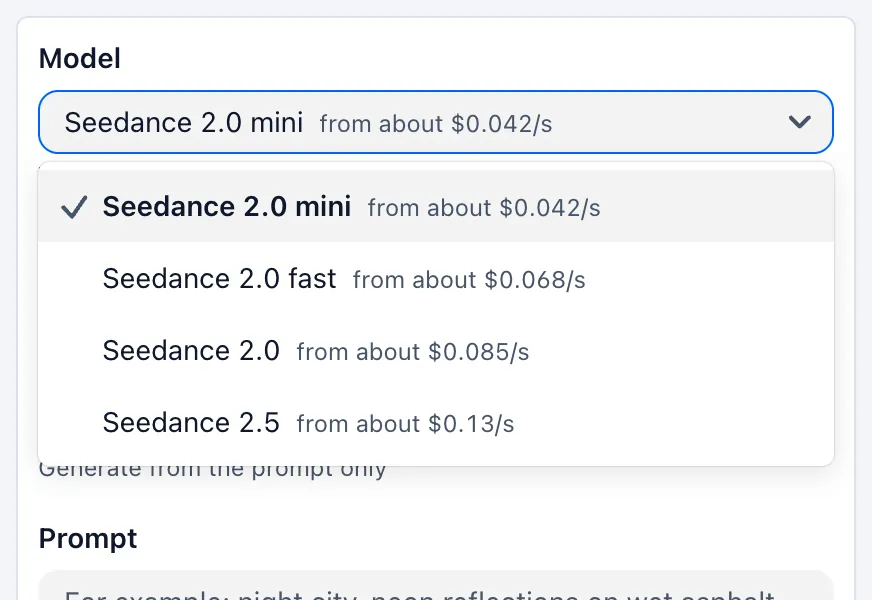
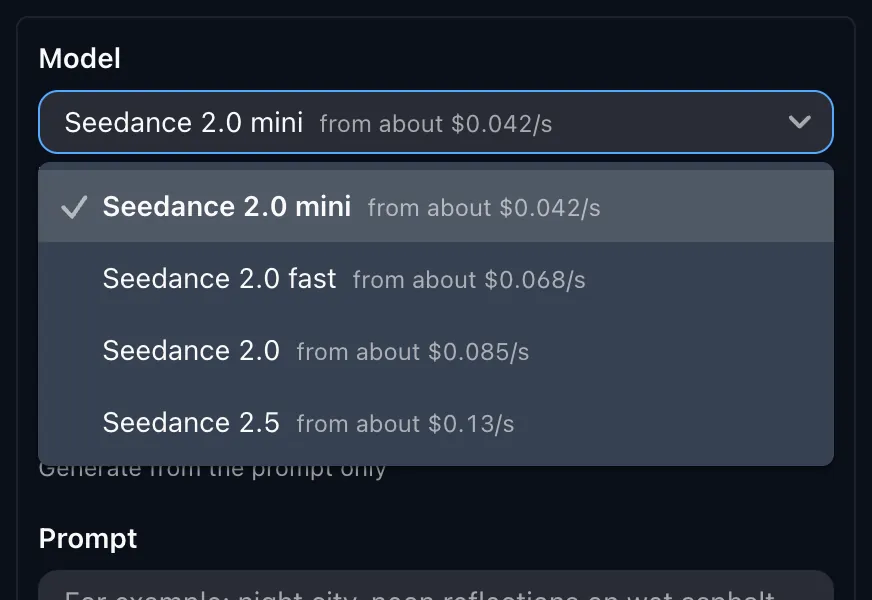
In the Model field, choose a Seedance version — each one shows its price per second. For a first try, take Seedance 2.0 mini: it’s the cheapest. If a character needs to speak Russian or you need a clip longer than 15 seconds, take Seedance 2.5.
Write a prompt and check the price
Under Mode, keep Text-to-video — or upload your own image in First frame mode. In the Prompt field, describe who is in the shot, what they do, where it happens and how the camera moves; you can write in Russian. Under the field there are ready-made examples — click any of them to fill it in.
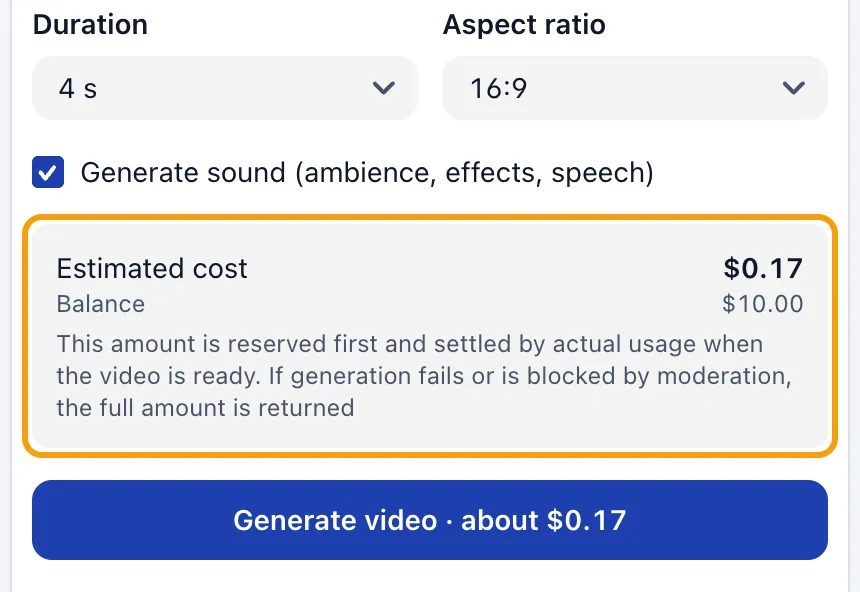
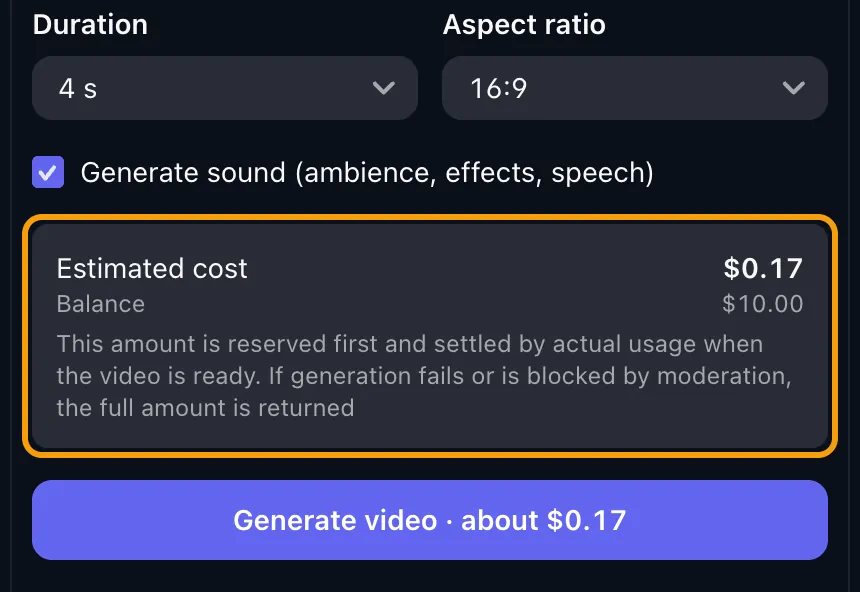
For a test, set 480p and 4 seconds. Right under the settings you’ll see the Estimated cost of the clip and your balance.
Click Generate video and download the clip
The task appears on the right, under My videos. A clip is usually ready in a few minutes; you can close the page and come back later. Watch the video right on the page or save it with the Download MP4 button.
The Extend and Edit buttons load a finished clip into the right mode for you — just add what happens next or what to change in the shot. Videos are kept for 24 hours, so download the ones you need.
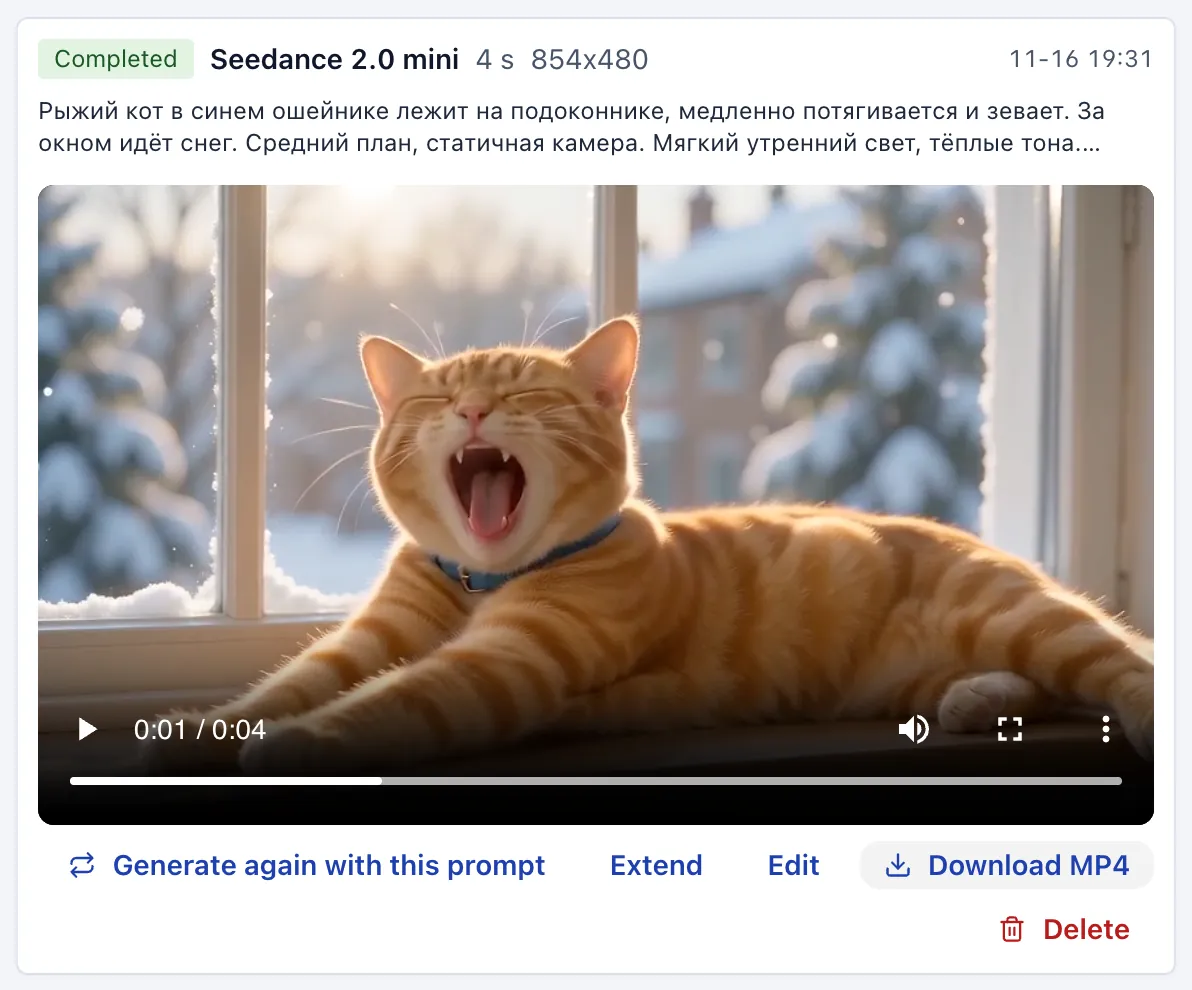
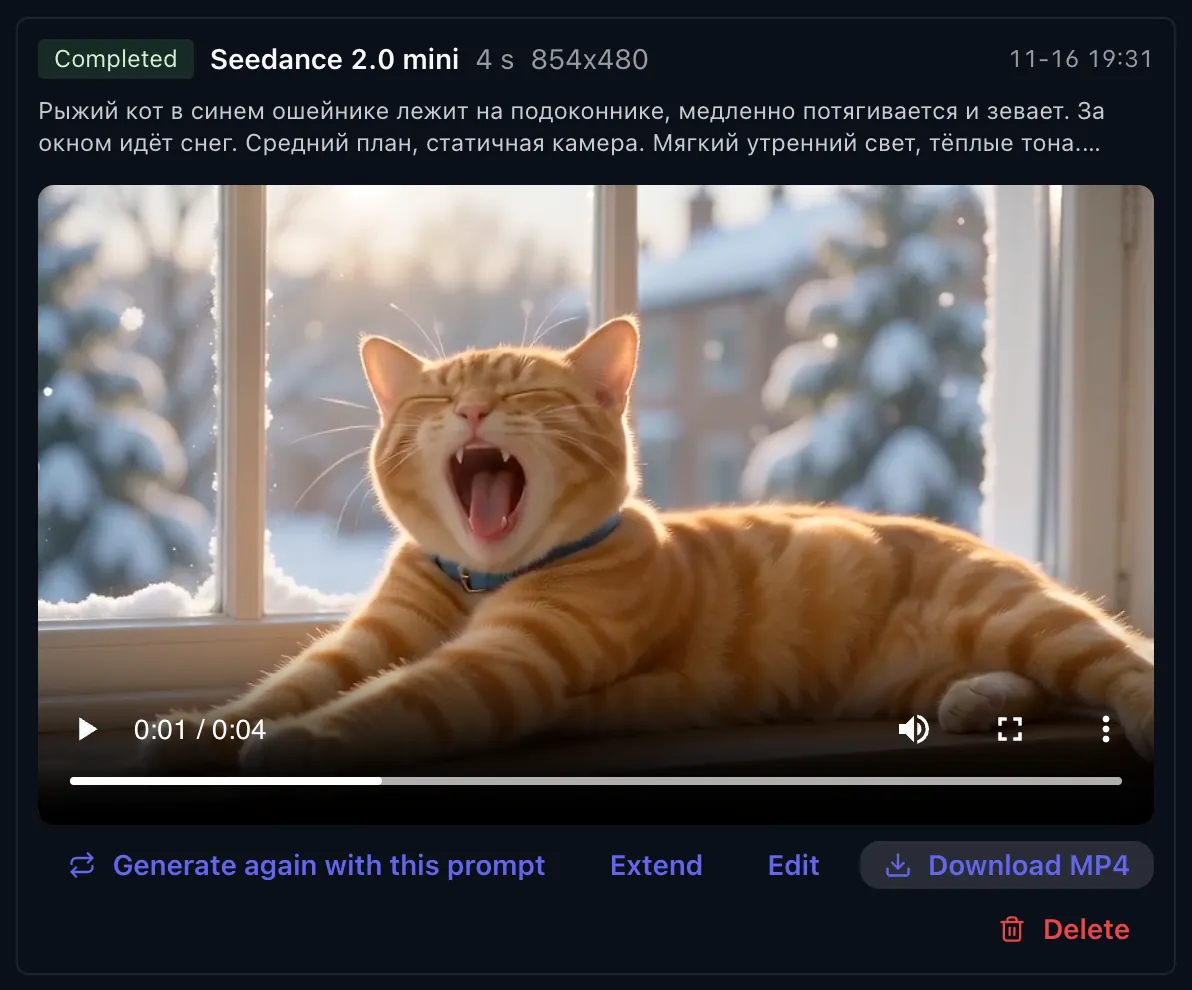
The full guide, with every mode, the 480p → 1080p draft and videos from photos of people — docs.ruapi.ai/en/seedance-online
What Seedance can do on the Video generation page
Models
Seedance 2.0 mini — the cheapest, for tests
Seedance 2.0 fast — faster
Seedance 2.0 — higher quality
Seedance 2.5 — the newest, more accurate Russian speech
Length and quality
2.0 family — 4 to 15 s; Seedance 2.5 — 4 to 30 s
2.0 mini and 2.0 fast — 480p and 720p
2.0 and 2.5 — 480p, 720p and 1080p
Aspect ratio 16:9, 9:16, 1:1, 4:3, 3:4 or 21:9; sound via the Generate sound checkbox
Modes
Text-to-video — just a prompt
First frame; First + last frame — from your images
Reference — up to 9 images, 3 videos and 1 audio file
Extend video and Edit video — change a finished clip
Photos of ordinary people (not celebrities) work; videos with them usually on 2.0 and 2.5
Payment
No subscription: pay per clip from your balance, top up from $5
480p, 4 s: Seedance 2.0 mini ≈ $0.17, Seedance 2.5 ≈ $0.52
The amount is held before the run and settled by actual usage
Failed or blocked by moderation — the full amount is refunded
Seedance 2.5 drafts
Tick “Make a draft first (480p, cheaper)”
Like it? Click “Looks good — render in 1080p”
Prompt, inputs and duration come from the draft
A draft can be turned into 1080p within 7 days
Drafts: up to 15 s; not available for Extend or Edit, or with reference videos or audio
Finished clips
My videos: watch and Download MP4
Extend and Edit buttons under every clip
Videos are kept for 24 hours
Works in the browser on desktop and phone